
For link marketplaces
Run a marketplace, not a spreadsheet
List publishers with prices and metrics, let buyers filter and check out, and fulfil every placement as an order with tasks, messages and a status the buyer can follow.
The client journey
From purchase to delivery in three steps
01
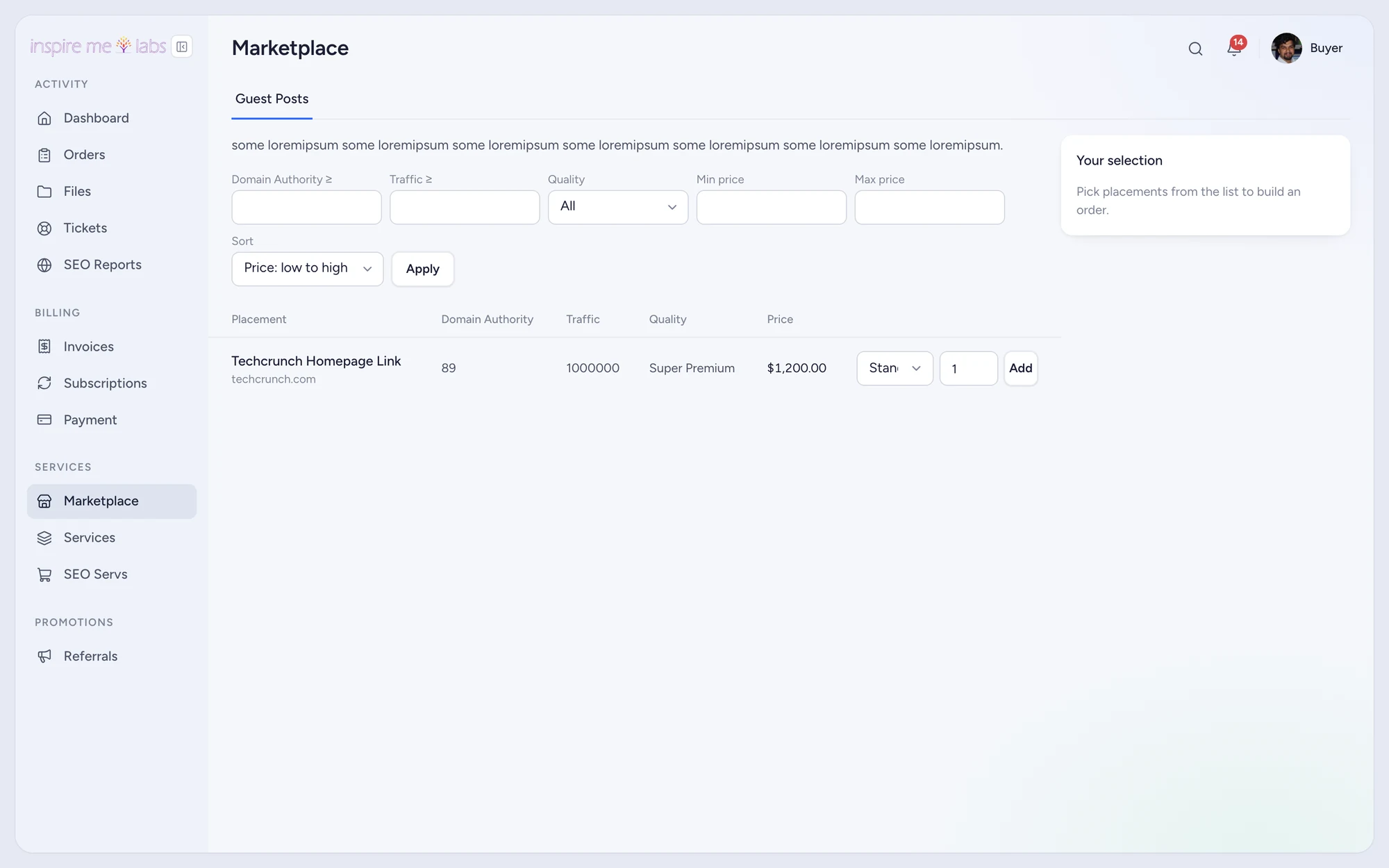
Buyers browse
Filters by category, metric and price. Tiers and add-ons change the price live.
02
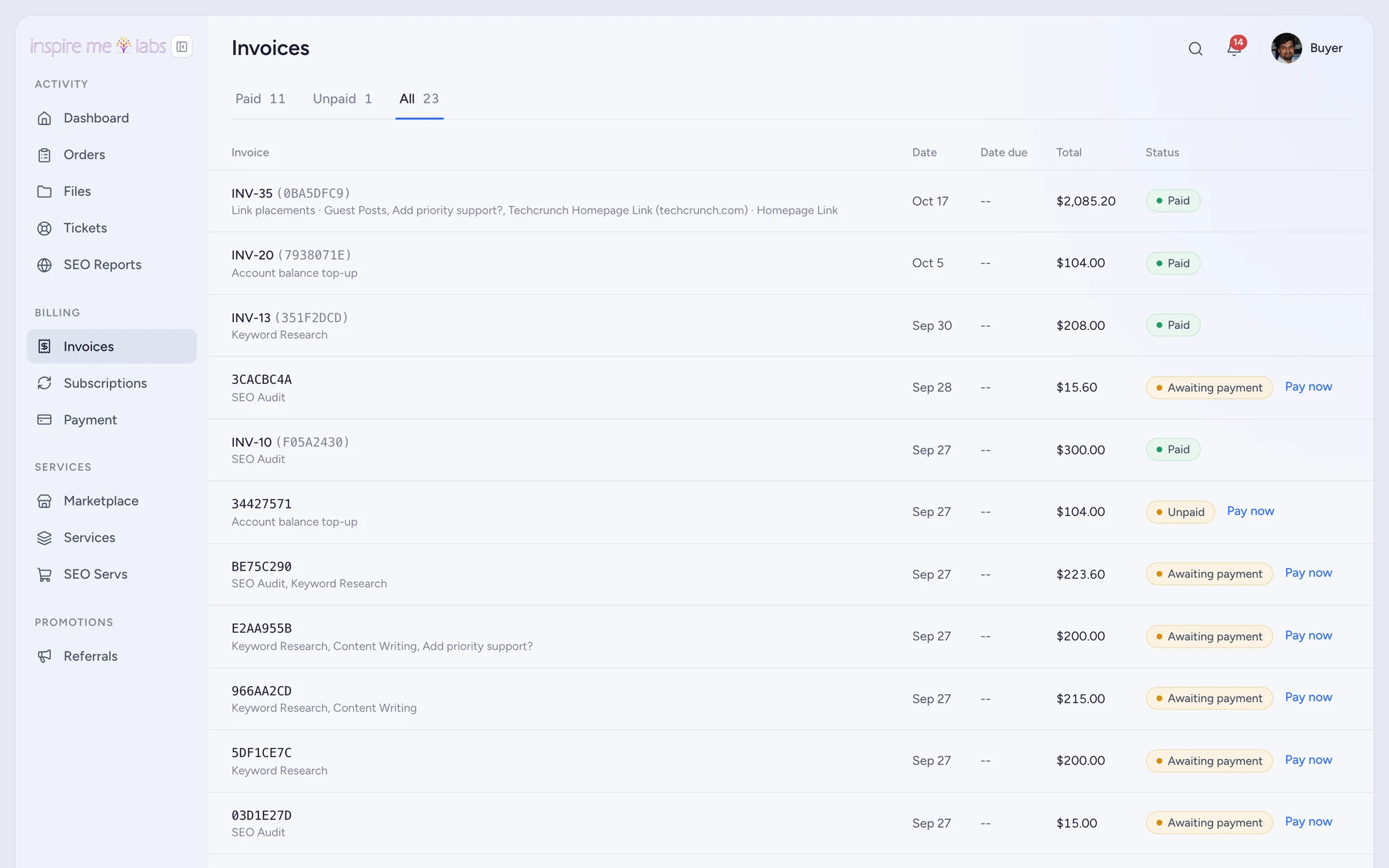
Buyers check out
The cart lands as one order on a billing service, paid by card, PayPal or balance.
03
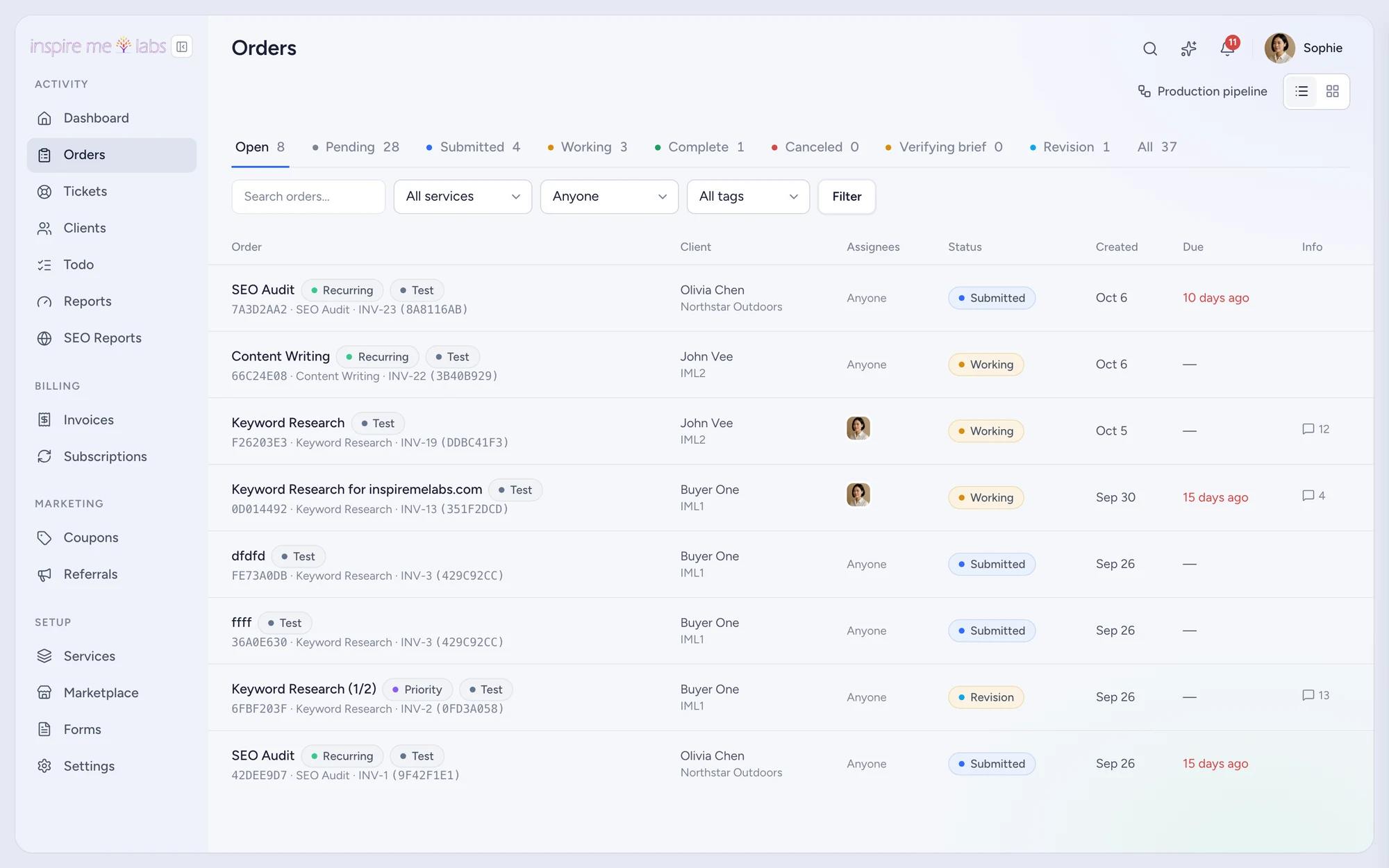
You fulfil
Each item becomes a task with a publisher, a due date and a client-visible status.
Catalogue
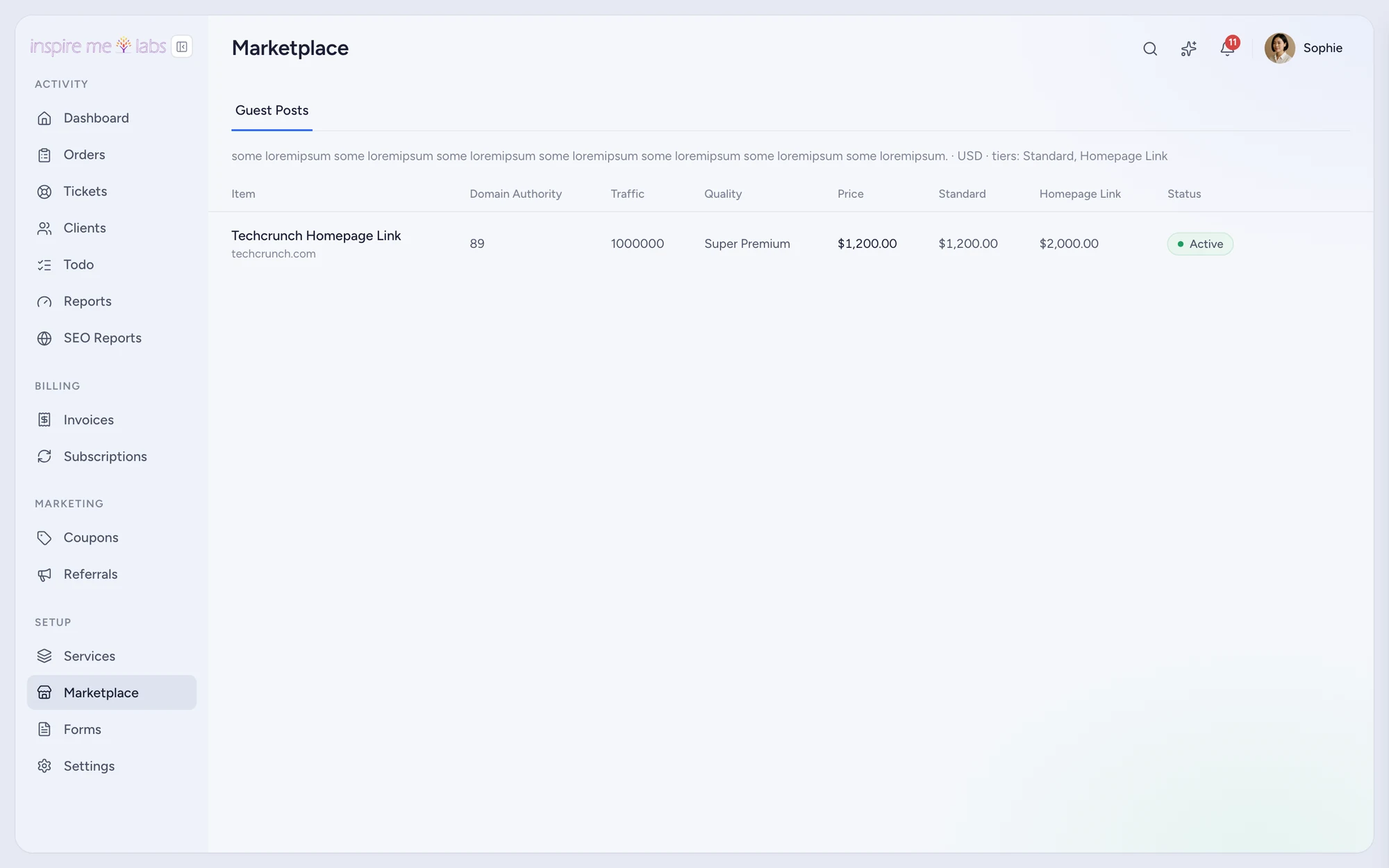
Attributes, tiers, access rules
Define the attributes buyers filter on, price tiers per item, add-ons such as rush delivery, and who may see which categories.
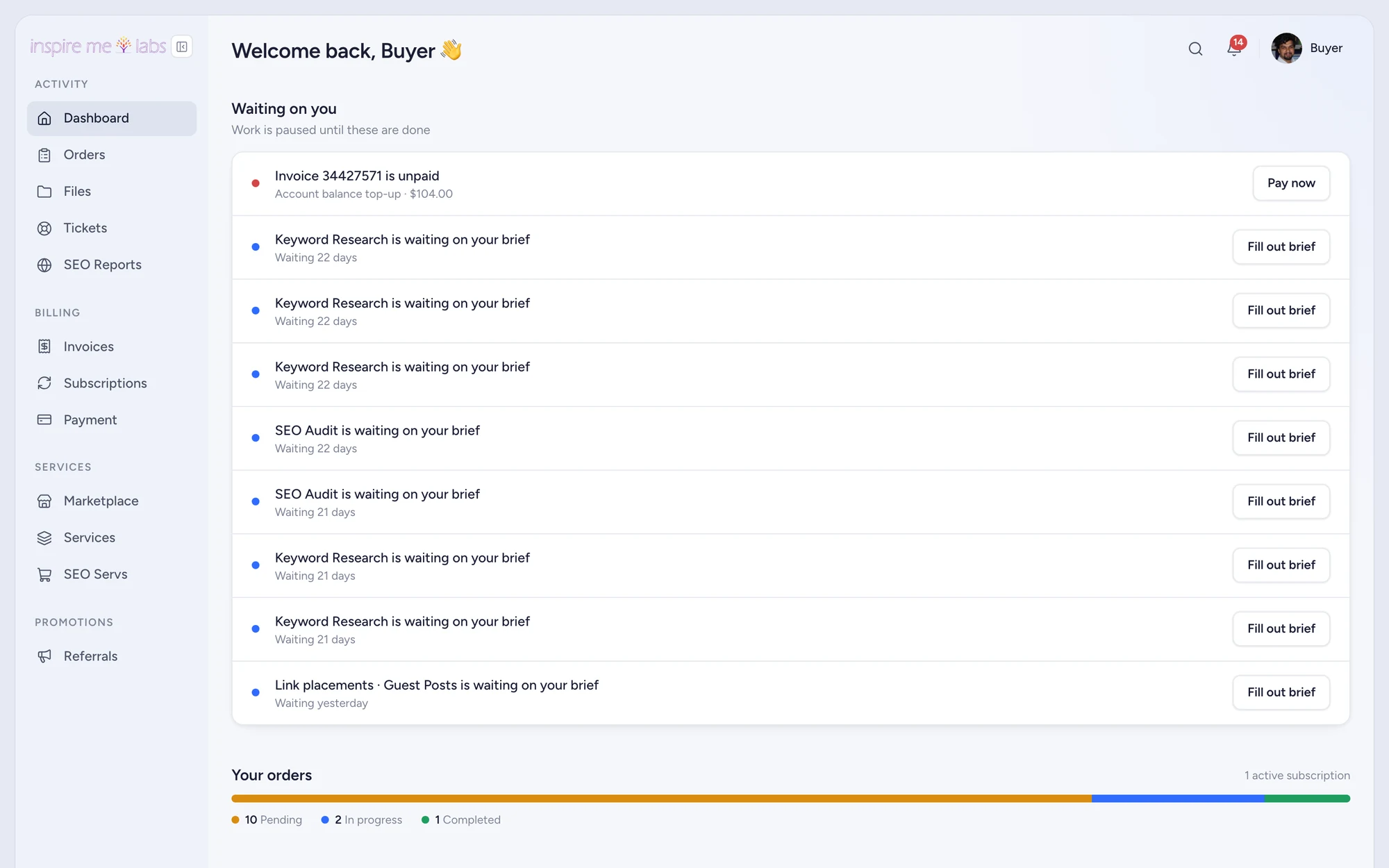
Balance
Prepaid balances for repeat buyers
Buyers top up a balance and spend it across orders; invoices show what was paid from balance and what was charged.
API
Sell through other channels
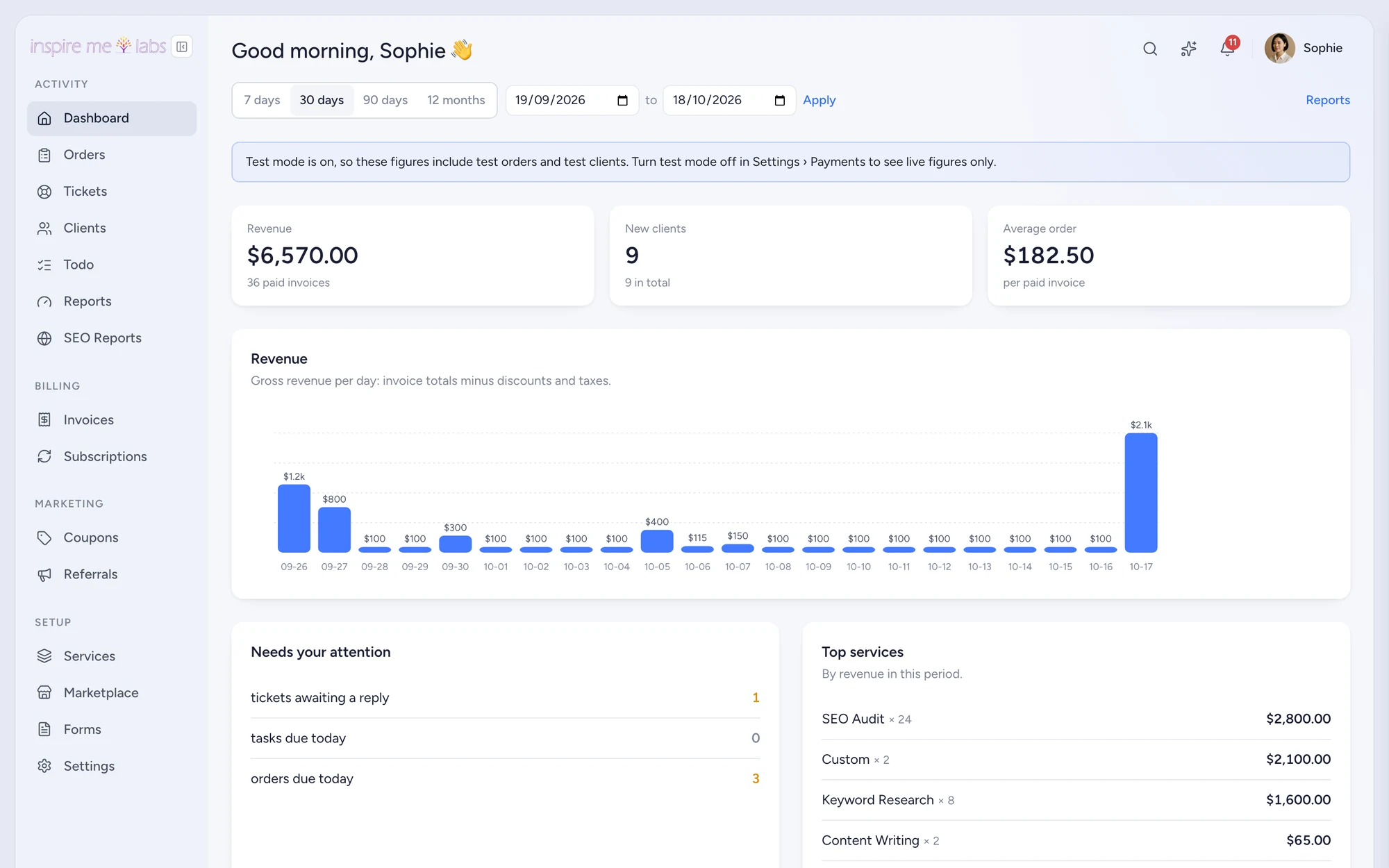
The REST API and webhooks let partners place orders and receive status updates without logging in.
What you will use
Features link marketplaces lean on
White-label reseller
Resell another workspace's services
Learn more →Payments and billing
Invoices, subscriptions and checkout
Learn more →Project management
Orders, tasks, pipelines and files
Learn more →API and integrations
REST API, webhooks, Zapier, Make, Slack, MCP
Learn more →Client portal
A branded home for every client
Learn more →CRM
Clients, companies and activities
Learn more →FAQ
Questions, answered
Can publishers be users?
Not as a separate role yet. Treat publishers as tasks' assignees or as Contractors on the team.
Start with one service.
Move a single service into inspire.work, sell it from a link and let the portal handle the brief, the delivery and the invoice. Add the rest when it earns its keep.
14 days free · no card needed · sample data included · cancel in one click