
Helpdesk
Support that stays attached to the client
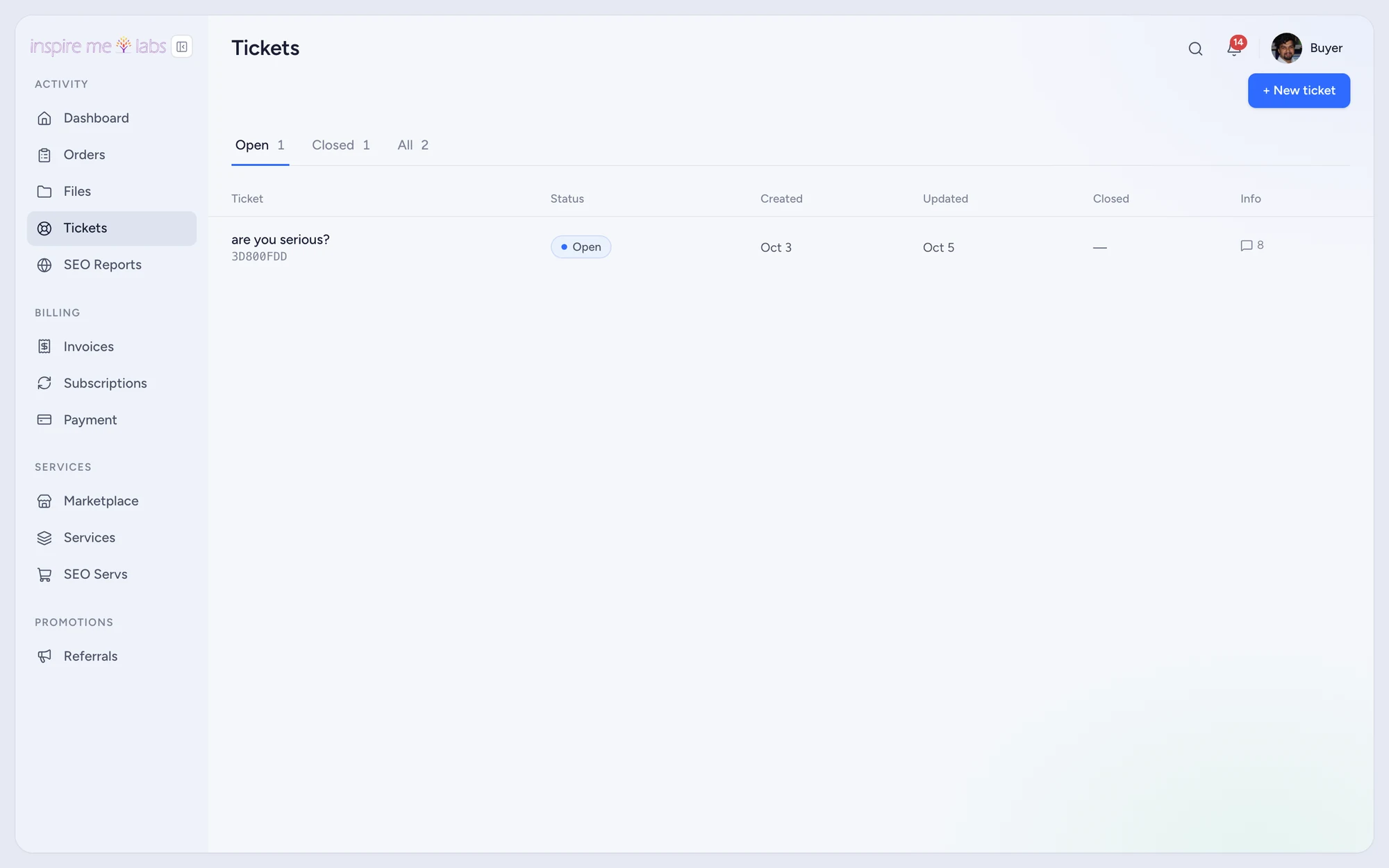
Tickets arrive from the portal, from a contact form, from a widget or from a forwarded mailbox. Each one knows who the client is, what they bought and who answered last.
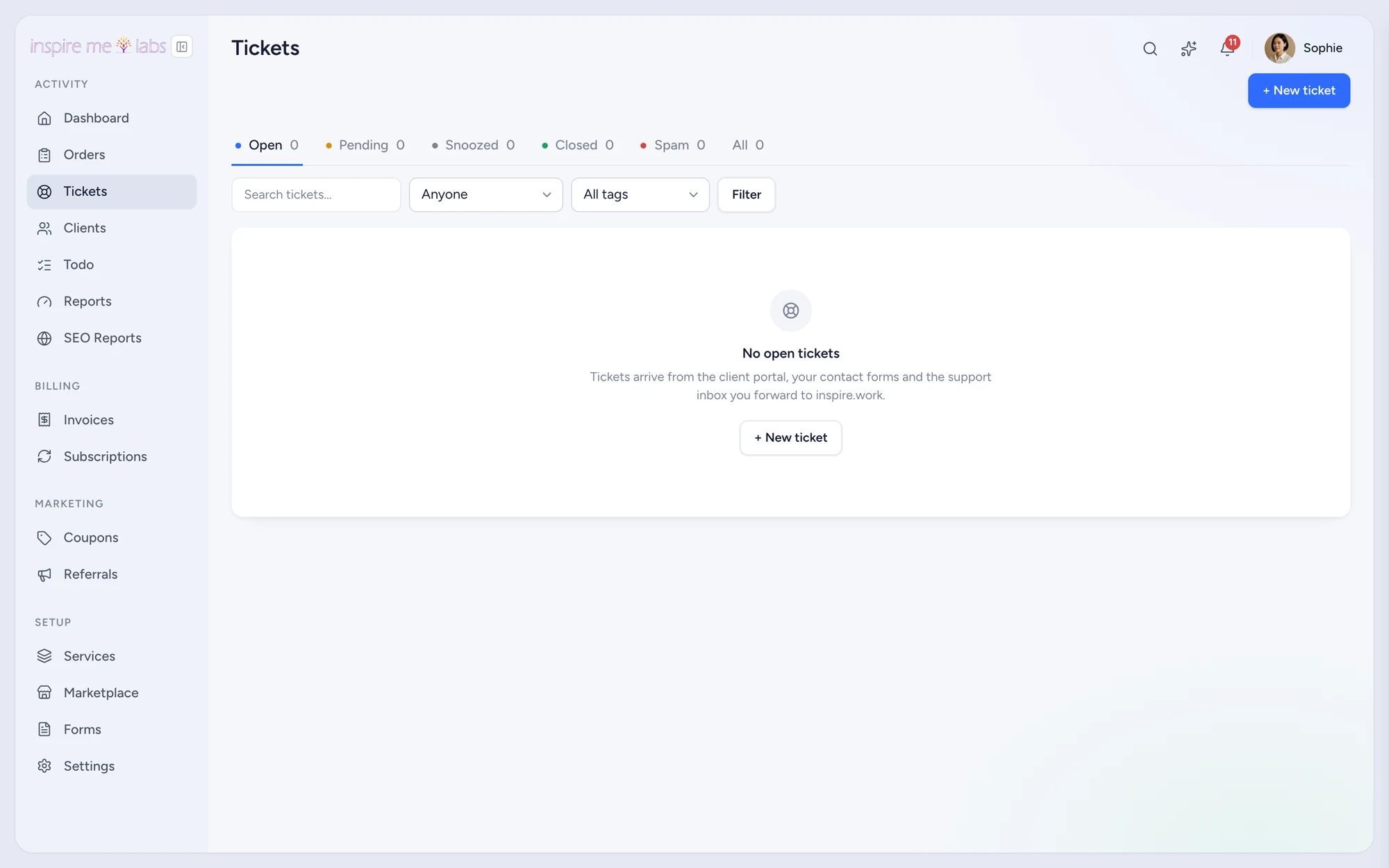
01 Tickets
Statuses that fit your process
Five system statuses plus your own, each with a default reply action and auto-close rules. Filters, Waiting-since, bulk actions, snooze, merge and spam handling keep the queue clean.
- Saved replies with variables and a signature
- Out-of-office auto replies by business hours
- Ratings on closed tickets
02 Email to ticket
Forward a mailbox and you are done
Every workspace gets a unique forwarding address. Unknown senders become contacts, replies thread correctly, spam is quarantined and floods are throttled before they reach the team.
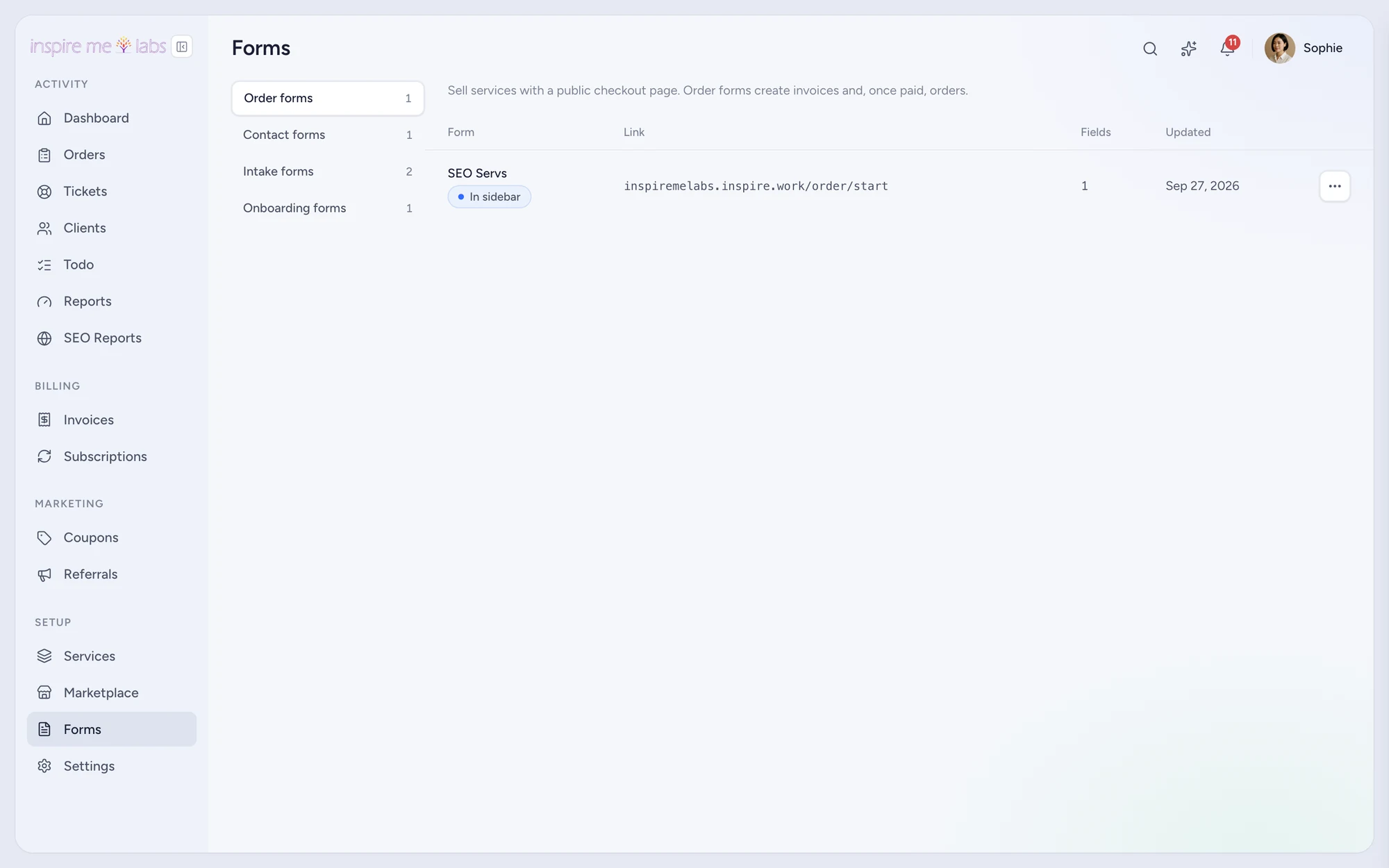
03 Contact forms
Forms, embeds and a widget
Build a contact form, share its page, embed it in your site or drop in the bottom-right widget. Submissions open a ticket and a contact, ready to answer.
Your edge
Why helpdesk works better here
Context first
The client's orders, invoices and Important fields sit beside every ticket.
Reply anywhere
Answer from the app or by replying to the notification email. Both land in the thread.
Quiet queue
Snooze, auto-close, merge and spam rules keep only real work in view.
FAQ
Questions, answered
Can clients open tickets about a specific order?
Yes. A ticket can reference an order, and the order page lists its tickets.
Does the helpdesk work with my existing email?
Yes. Forward your support address to the workspace address shown in Settings › Tickets.
Start with one service.
Move a single service into inspire.work, sell it from a link and let the portal handle the brief, the delivery and the invoice. Add the rest when it earns its keep.
14 days free · no card needed · sample data included · cancel in one click