
Client portal
A client portal your clients will actually log in to
Give every client one place to buy, brief you, follow progress, pay and talk to your team. It carries your logo, your colours and your domain, so nobody has to know what runs it.
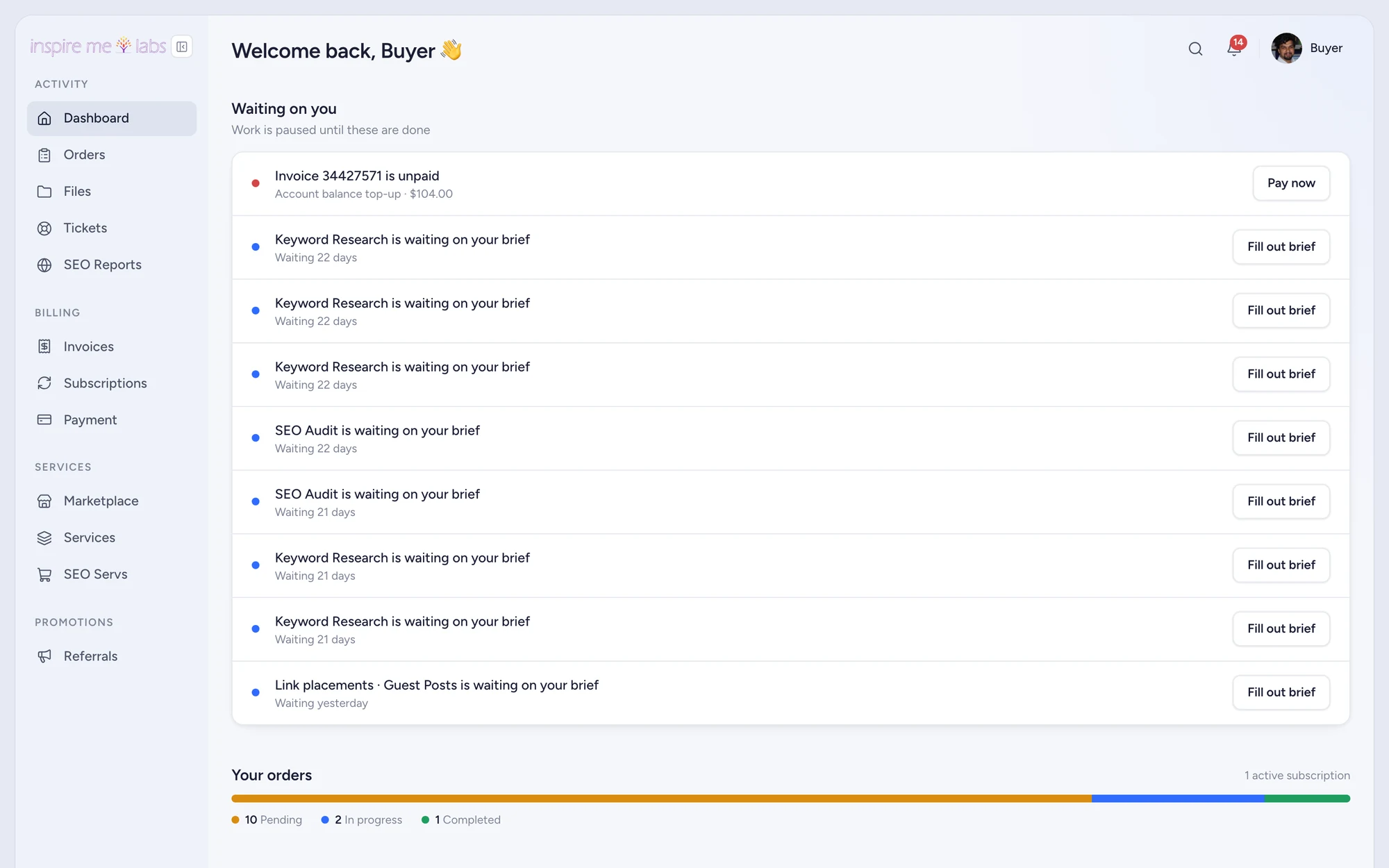
01 Dashboard builder
Build the home page you want them to see
Drag blocks into sections and set their width. Mix live blocks such as Waiting on you, Orders, Invoices and Subscriptions with content you write yourself: text, an embedded report, a video, a checklist, an FAQ. Preview as any client before you publish.
- Thirteen block types, from stats to embeds
- An onboarding page with a task list for new clients
- Sidebar editor with categories, links and icons
02 White label
Your brand on every screen and every email
Five logo slots, two colours and a sidebar intensity control shape the whole portal. Put it on your own domain with a couple of DNS records and send email from your own sender domain. Plans that allow it remove the Powered by line entirely.
- Custom domain with live DNS status
- Sender domain on Resend with SPF and DKIM shown in the app
- Seven portal languages with per-workspace overrides
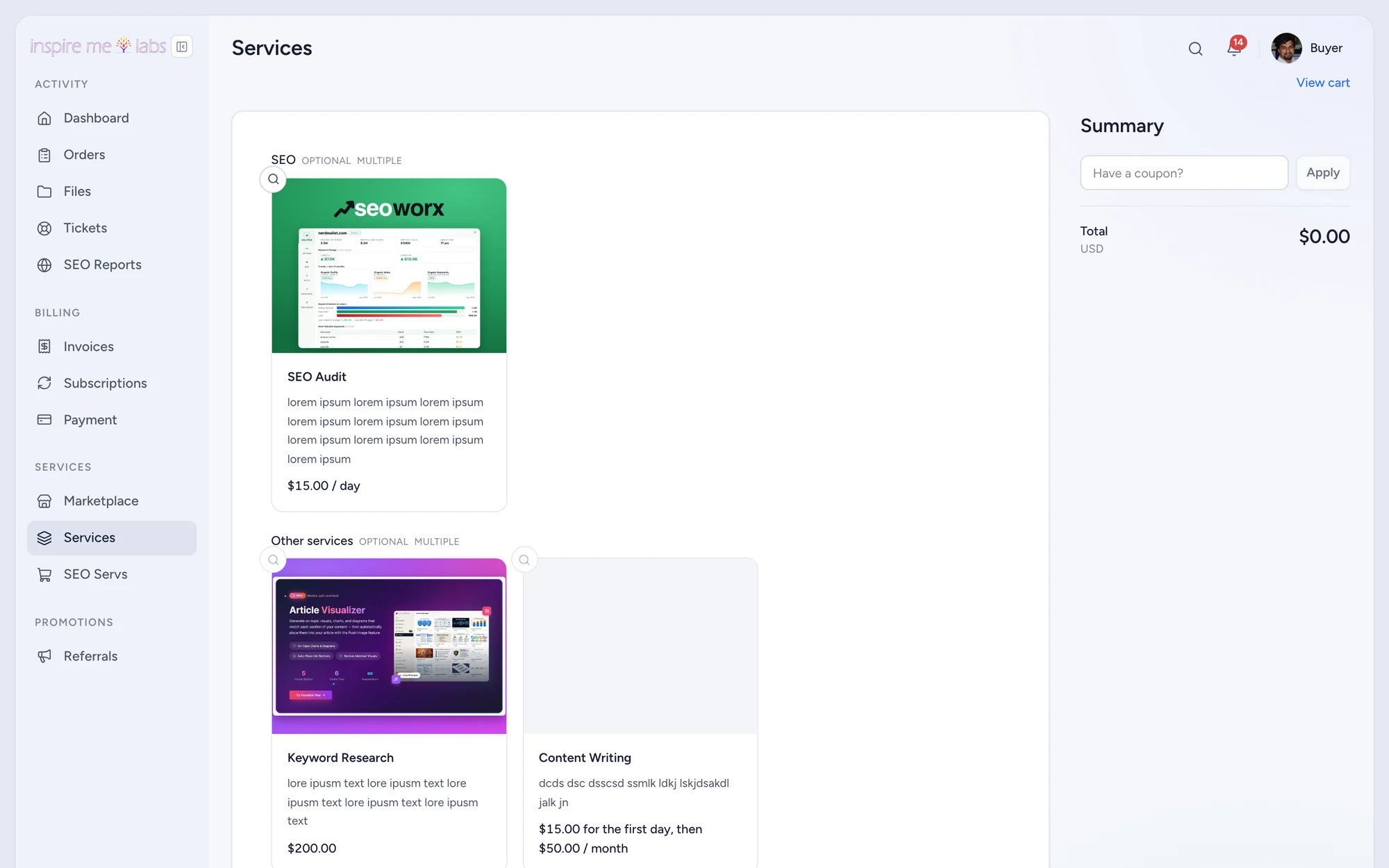
03 Client teams
Let clients bring their own people
A client can invite coworkers and decide what each one sees: orders, tickets, invoices or all three. Visibility is shared across the company, so a marketing manager can follow an order their colleague placed without asking you to copy them in.
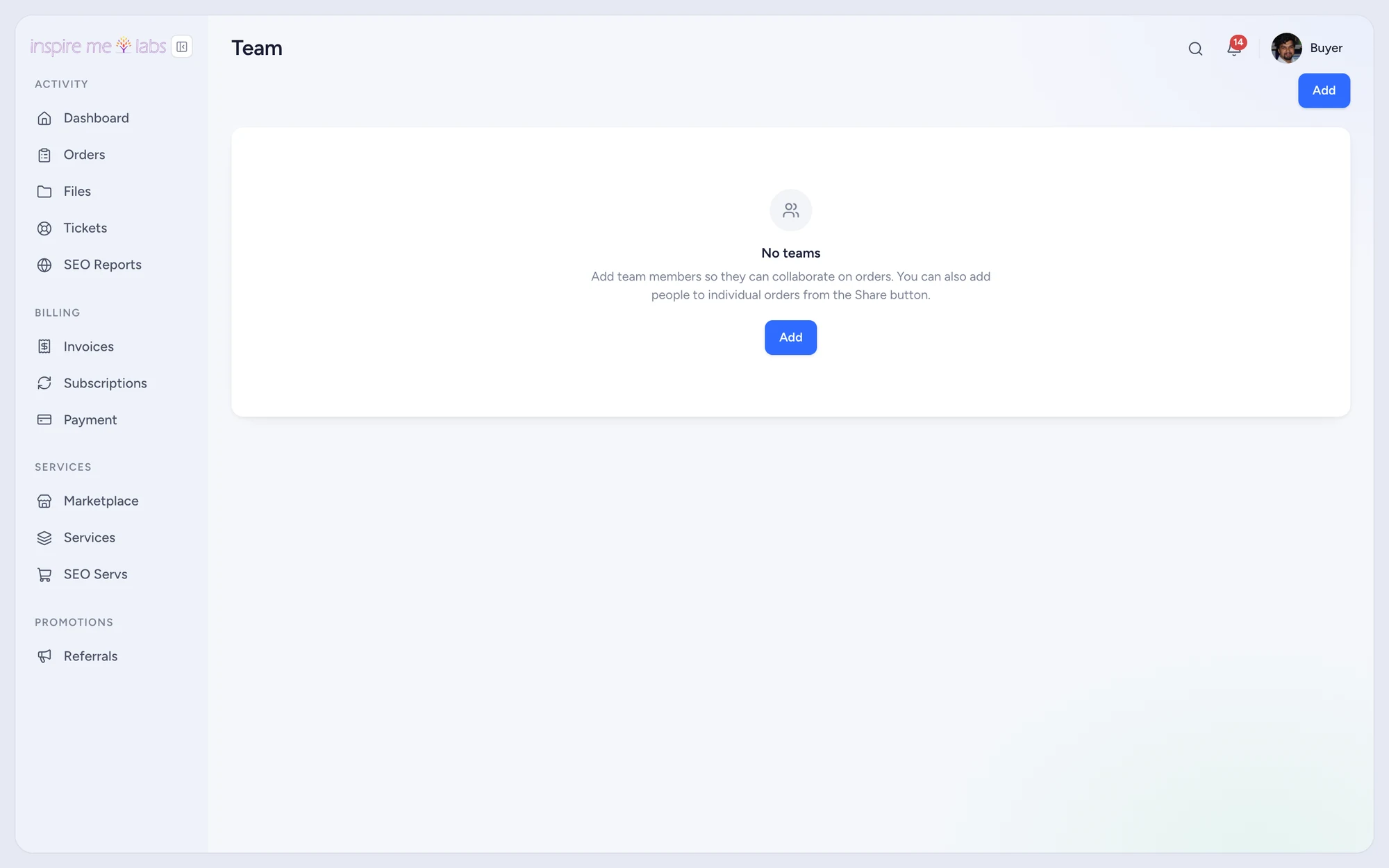
04 Notifications
Keep clients informed without chasing them
Status changes, new messages, invoices and task updates reach clients by email or in the portal, their choice. The portal installs as an app on a phone with push notifications when the plan includes it. Replies to any email land back on the order or ticket.
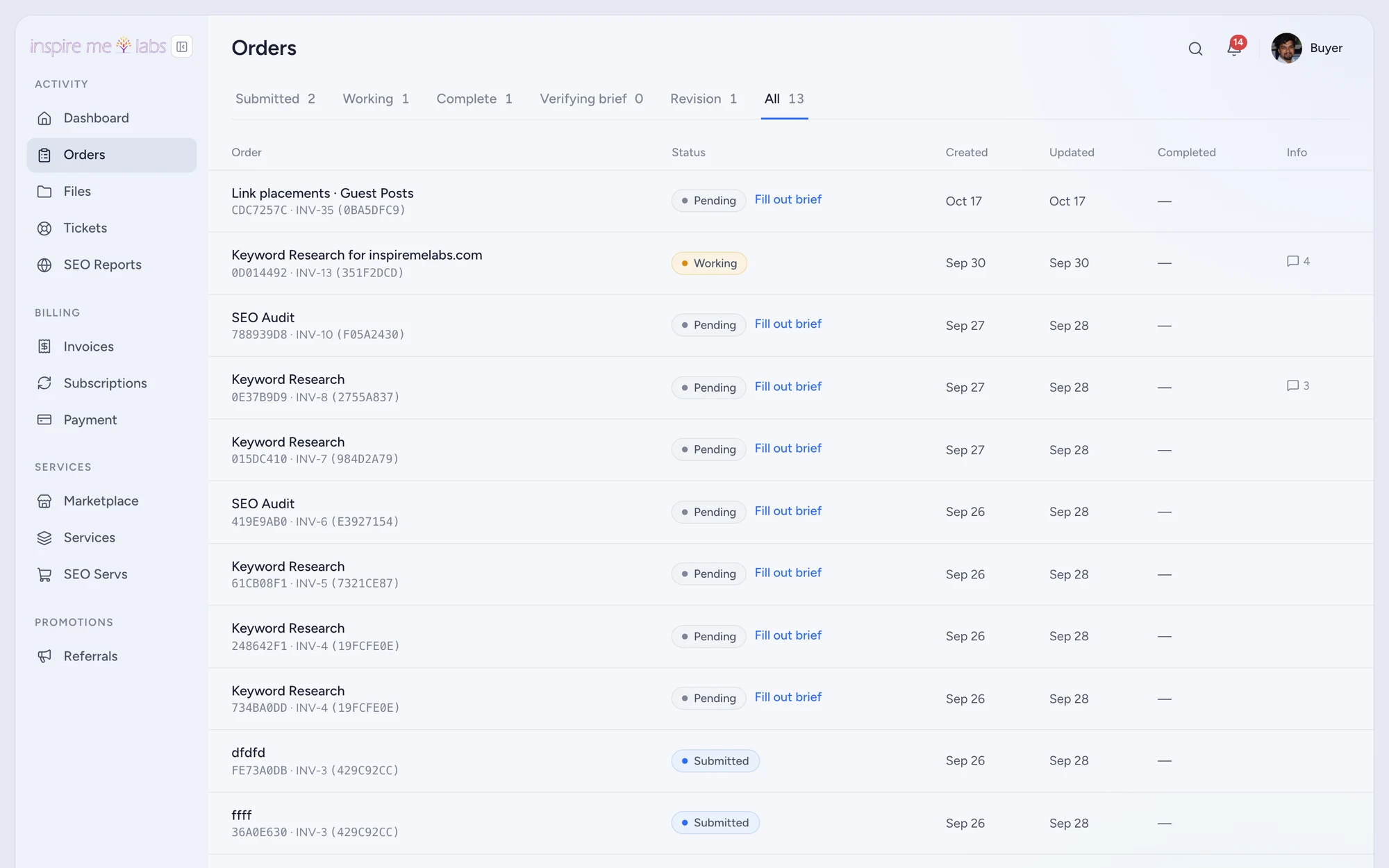
Your edge
Why client portal works better here
Fast to launch
Sample data, a seeded dashboard and sensible defaults mean a working portal on day one, not after a setup project.
Properly yours
Custom domain, sender domain, logos, colours, languages and custom code slots when you want to go further.
Connected
Embed any report, link any tool, and let webhooks, Zapier and Make keep the rest of your stack in step.
FAQ
Questions, answered
Can clients sign up by themselves?
Yes. Switch on the signup page in Settings › Clients, optionally block free email providers, and require email confirmation if you want.
Can I put the portal on my own domain?
Yes. Add the DNS records shown in Settings › General and the portal answers on portal.youragency.com with its own certificate.
Do clients see other clients?
Never. Each client sees their own orders, tickets and invoices, plus whatever their own company team shares with them.
Start with one service.
Move a single service into inspire.work, sell it from a link and let the portal handle the brief, the delivery and the invoice. Add the rest when it earns its keep.
14 days free · no card needed · sample data included · cancel in one click