
Form builder
Collect the brief before anyone starts working
One builder for every form in the client journey: what they order, what you need to start, what you need once, and how they reach you.
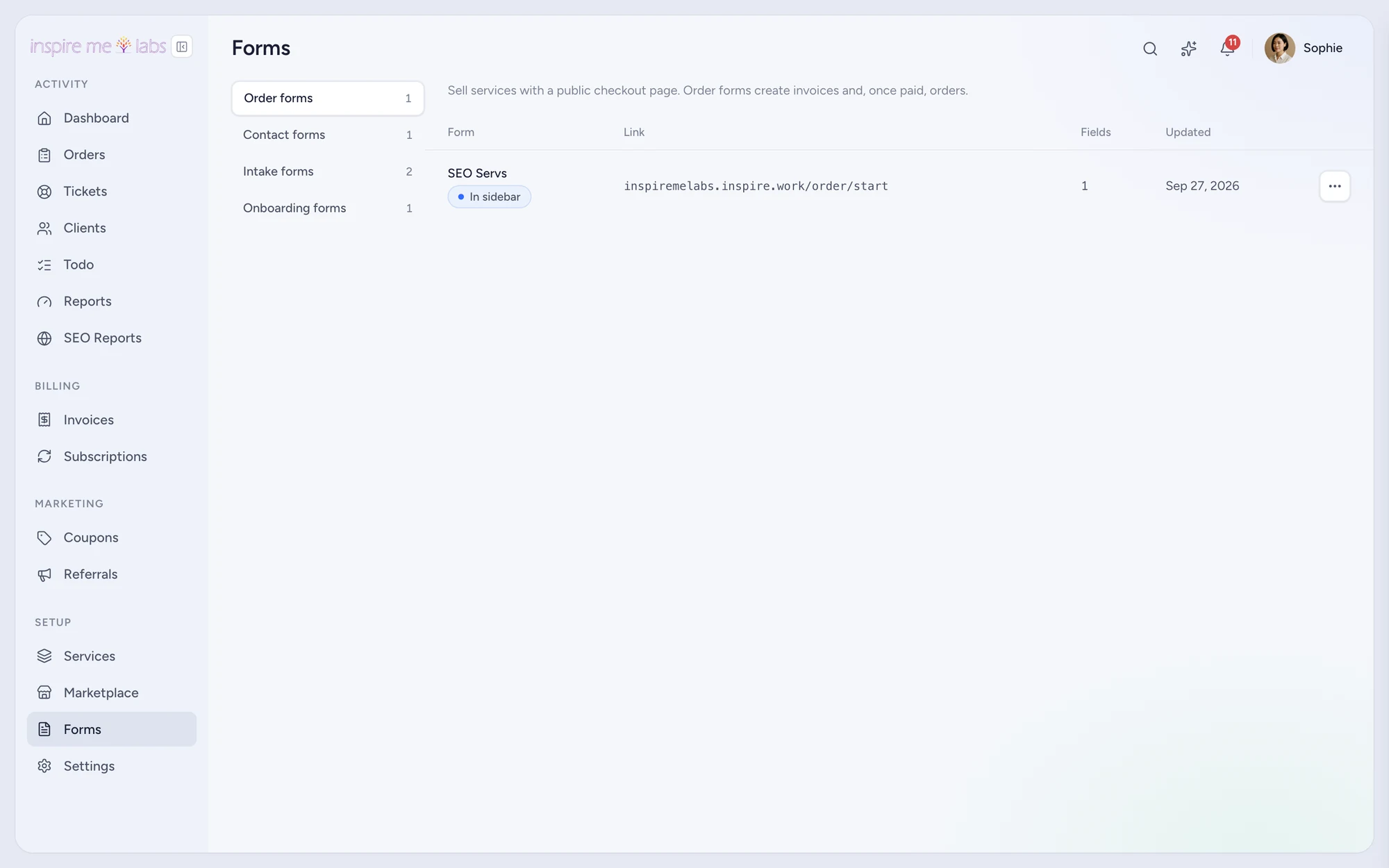
01 Builder
Drag fields, add rules, preview
A field palette with text, choice, file and date fields, conditional rules that show or hide fields, and a live preview. Prefill links put known answers in place so clients only fill what is missing.
02 Intake and onboarding
Attach forms to services
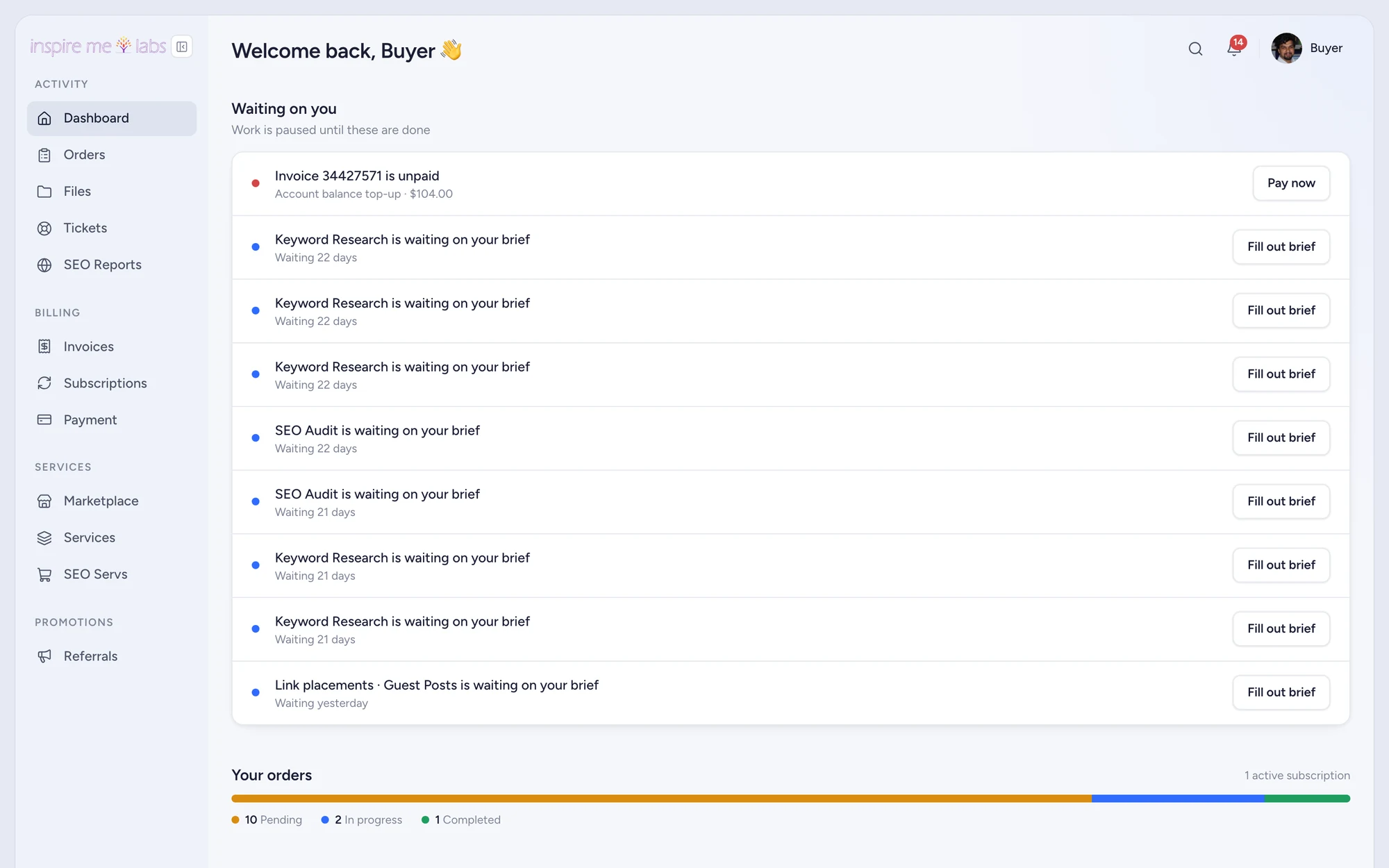
An intake form opens right after purchase and holds the order until it is answered, with a reminder after a day. Onboarding forms are asked once per client and appear in the portal sidebar if you want them to.
- Answers shown on the order with add, edit and export
- Redirect URL after submit
- Share page for forms that live outside a service
Your edge
Why form builder works better here
No chasing
The order waits on the form, and the client gets reminded, so briefs arrive without a call.
Structured
Answers become fields on the order, exportable and visible to the people doing the work.
Reusable
One form can serve many services; one service can ask several forms.
FAQ
Questions, answered
Can a form have conditional fields?
Yes. Rules show or hide fields based on earlier answers.
Can clients upload files in a form?
Yes. File fields upload to your storage and attach to the order.
Start with one service.
Move a single service into inspire.work, sell it from a link and let the portal handle the brief, the delivery and the invoice. Add the rest when it earns its keep.
14 days free · no card needed · sample data included · cancel in one click