
CRM
A CRM that already knows what every client bought
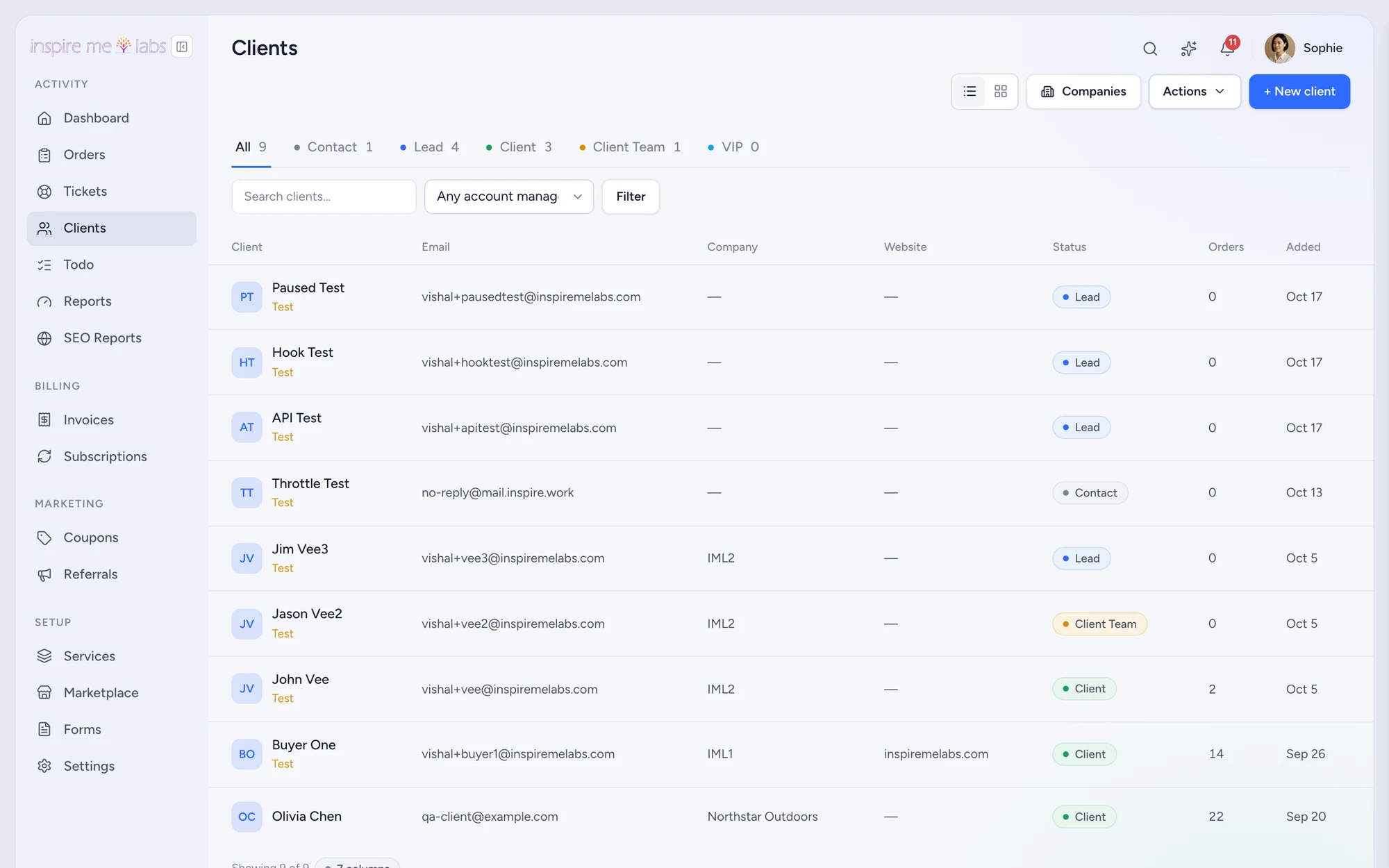
Clients, companies, statuses, custom fields and activities, all linked to orders, tickets and invoices, so the profile is the truth rather than a copy of it.
01 Client profiles
Everything about a client in eight tabs
Details, orders, tickets, subscriptions, invoices, files, activities and history. Set the account manager, sign in as the client to see what they see, raise an invoice or a ticket from the profile.
- Custom fields of six types, with Important fields shown on orders and tickets
- Client statuses with Status Sync to pipeline stages
- Merge duplicates, export a client's data, honour deletion requests
02 Companies
Teams, not just contacts
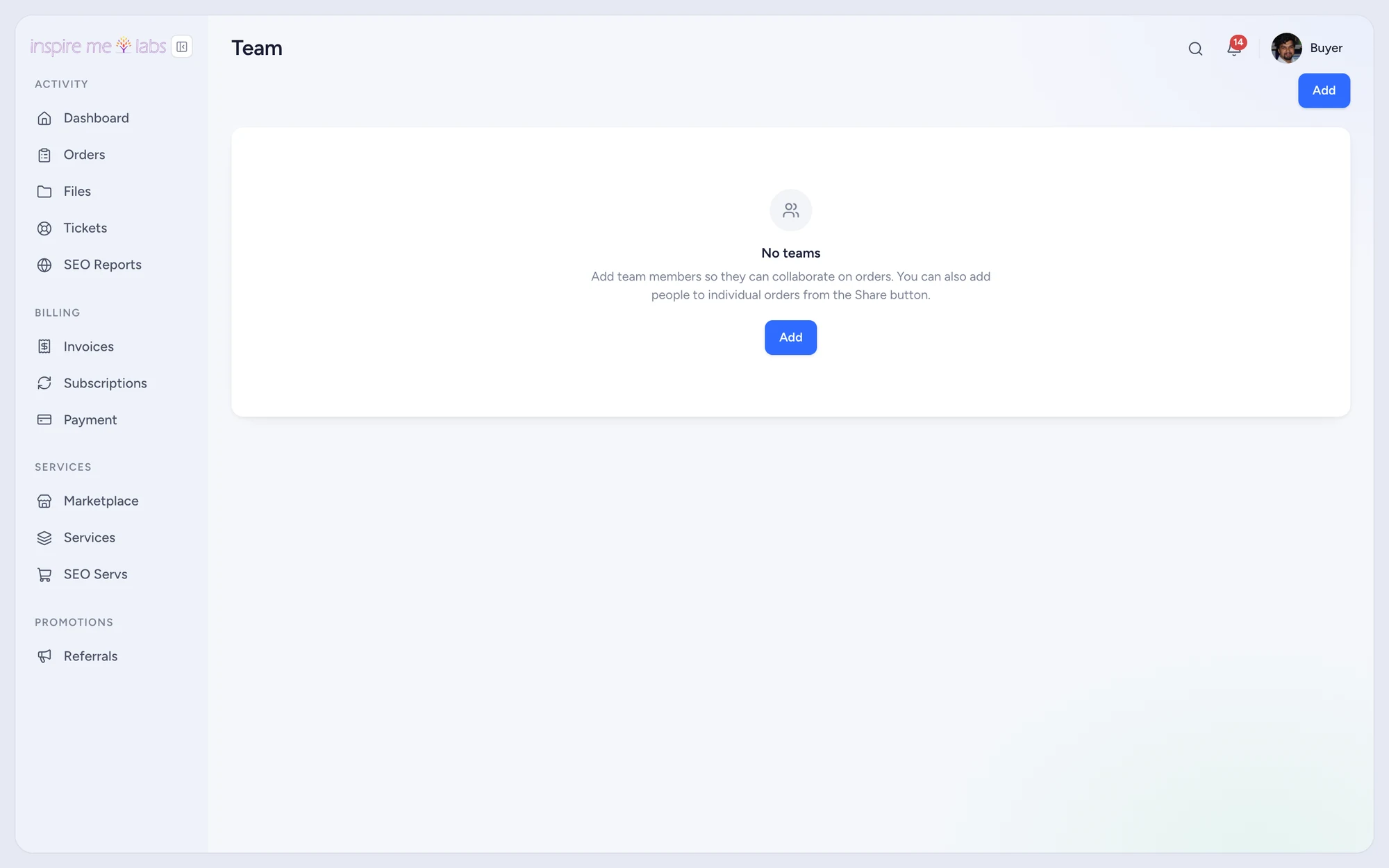
Group people under a company with an owner and members. Each member gets permissions for orders, tickets and invoices, and shares visibility across the team.
03 Activities
Calls, notes and follow-ups with a due date
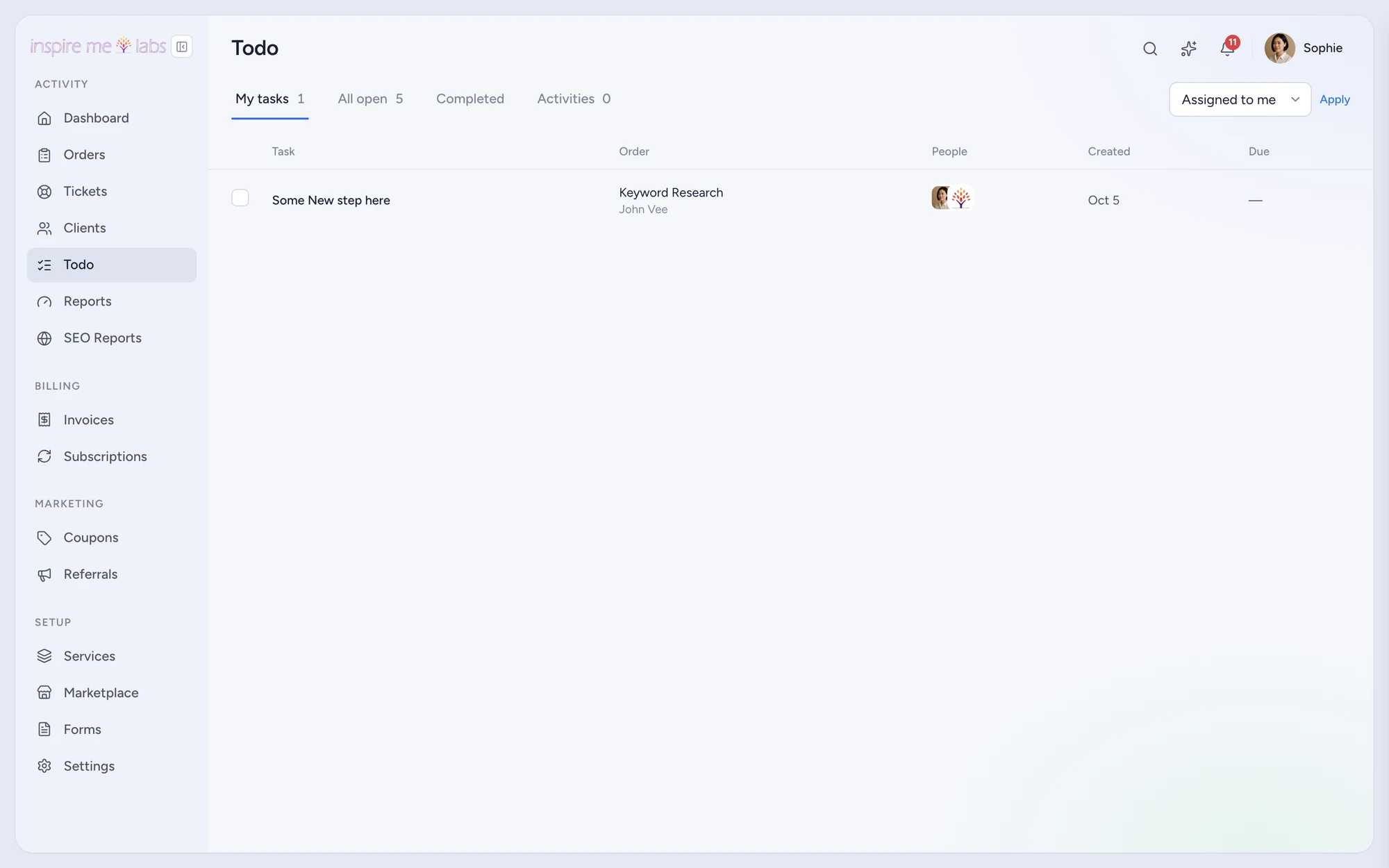
Log an activity with a kind, assign it and give it a date. It shows on the Todo page next to order tasks, so account management and delivery share one list.
Your edge
Why crm works better here
No sync
The CRM is the same database as billing and delivery. Nothing drifts.
Import in minutes
CSV import and export for clients, services and marketplace items.
Searchable
A command palette on every page and AI search across clients, orders and tickets.
FAQ
Questions, answered
How many clients can I have?
There is no limit on clients on any plan. Plans differ in team seats, storage and features.
Can I keep notes the client never sees?
Yes. Team notes on orders and tickets, pinned notes on profiles and activities are all internal.
Start with one service.
Move a single service into inspire.work, sell it from a link and let the portal handle the brief, the delivery and the invoice. Add the rest when it earns its keep.
14 days free · no card needed · sample data included · cancel in one click